|
21. Facebook your Contact photos
If you combine Android with the official Facebook Android app, it's possible to automatically pull in photos for your contacts through Facebook. You're also able to create a specific Facebook Phonebook folder on the Home page, keeping internet and proper friends separate.
22. Browser combo button
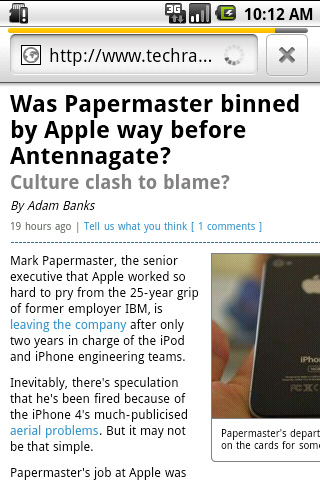
The Android 2.1 web browser features a clever multi-function button beside the address bar. While a page is loading it turns into a "X" to cancel loading, but once a page has finished it transforms itself into a bookmark adding and history management tool. It's always there for you.
23. Android web history shortcut
Also, further speed up browsing by holding down the Back key - this is your shortcut to your internet History. Ideal for navigating those complex browsing sessions - and also cuts down on unnecessary reloading.
24. Use browser tabs
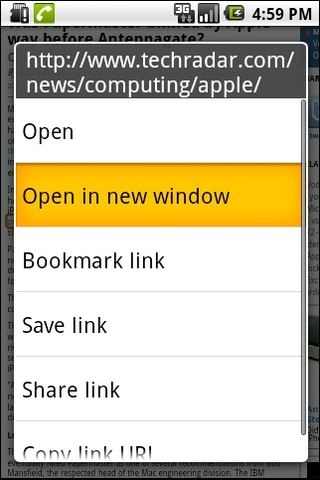
The standard Android browser offers tabbed browsing, it just doesn't do a very good job of advertising it. Long-pressing a URL lets you open web links in a new tab - you then switch tabs by pressing Menu and selecting the Windows option. Not that user-friendly a system, but it works. Just remember that quitting to the desktop may automatically close everything in the middle of a tab-heavy session.
25. Multiple Gmail accounts in Android
Android 2.1 added support for multiple Gmail accounts. Add a new internet identity to your phone by opening the Gmail app, then pressing Menu > Accounts > Add Accounts. Then remember who you're pretending to be.
上一页 [1] [2] [3] [4] [5] [6] [7] [8] 下一页 【已有很多网友发表了看法,点击参与讨论】【对英语不懂,点击提问】【英语论坛】【返回首页】
|