|
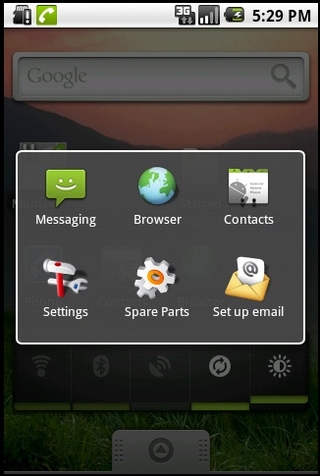
46. Android recent apps list
Holding down the Home button brings up the Android equivalent of your most recently used apps list. It beats paging through the phone, if you've just quit something by mistake.
47. Lose non-essential fancy stuff
Speed up your phone and save a teeny amount of battery life by binning the fancy animations. You can turn them back on again when you need to impress an iPhone user. Find the toggles under Settings > Sound and Display > Animation.
48. Built-in Android task killer
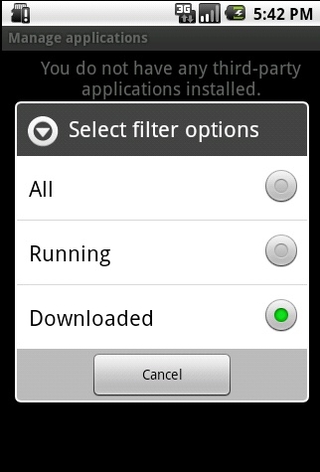
Android features its own little task killer, but it's very, very well hidden. Manually close apps by going to Settings > Applications > Manage Applications then pressing Menu - and filtering the results by running apps. If you can be bothered with all that, you're than able to force close anything that's running.
49. Lock your phone
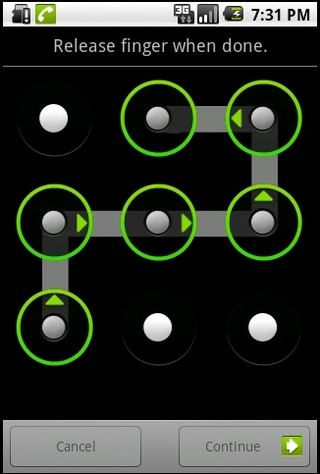
Setting an unlock pattern adds a small layer of additional security to your phone - just remember to wipe the tell-tale finger smears from the screen.
50. Keep the screen on while charging
It's often handy to have the screen stay on all the time, especially if you tend to recharge your phone overnight and use one of the fancy apps that turn your phone into a nice 1980s clock radio and. Go to Settings > Applications > Development and tell the screen to stay on while charging. Just don't tell your environmentalist friends you're burning through electricity like this. 上一页 [1] [2] [3] [4] [5] [6] [7] [8] 【已有很多网友发表了看法,点击参与讨论】【对英语不懂,点击提问】【英语论坛】【返回首页】
|